User registration
User registration is required to use Mazda Connect.
In addition, for the driver personalization initial settings, refer to the Owner’s Manual.
Vehicles with Google built-in
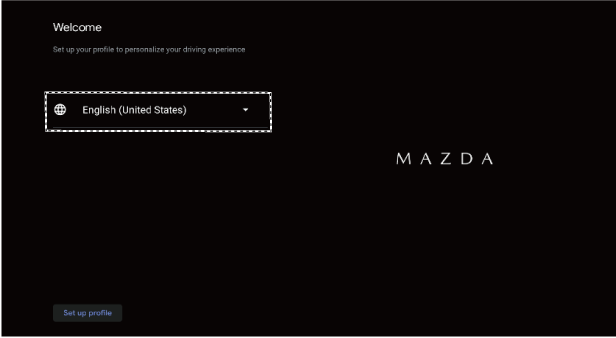
When using Mazda Connect for the first time, the initial setup flow is displayed.
Select the language you want to use in Mazda Connect and follow the instructions on the initial setup flow screen display to proceed with the setup.
During the initial setup flow, a message regarding the Google Terms of Service is displayed.
To use Google Gemini or Google Assistant, Google Maps, and Google Play, it is necessary to agree to the Google Terms of Service.
If you do not agree to the Google Terms of Service during the initial setup flow, the Google Terms of Service agreement screen will be displayed when you launch Google Gemini or Google Assistant, Google Maps, or Google Play.


Vehicles without Google built-in
Tap  displayed on the navigation bar to set, or consult an Authorized Mazda Dealer.